Manage your caller
from your phone.
Plug your caller into your phone over USB. Load sounds, save sounds off it, organize what’s on the caller, without a laptop, with no signal. Your whole vault, in your pocket.
$9.99 once · No subscription · US stores
What it does
The whole vault. In your pocket.
Plug in. Load sounds.
Connect your caller to your phone over USB and load sounds from your vault straight onto it. No laptop, no SD-card shuffle to your computer. Sit in the truck, pick your sounds for the day, plug in, hit go.
Save sounds off your caller.
Got a caller full of sounds you want in your vault? Save them to your phone in one batch, with duplicates skipped and folders picked for you. Or add sounds from your phone's files.
Full management on the caller.
Delete sounds. Reorder slots. Create folders. Move sounds between categories. Build sequences for FoxPro. Everything HowlVault Desktop does, your phone does too, with the same hidden-file-clean reliability under the hood.
Works with no signal.
Your sounds live on your phone, so the app works in the field with no signal and no account. Log into the cloud to back them up and keep your phone and computer in step.
See it work
The whole app in three minutes.
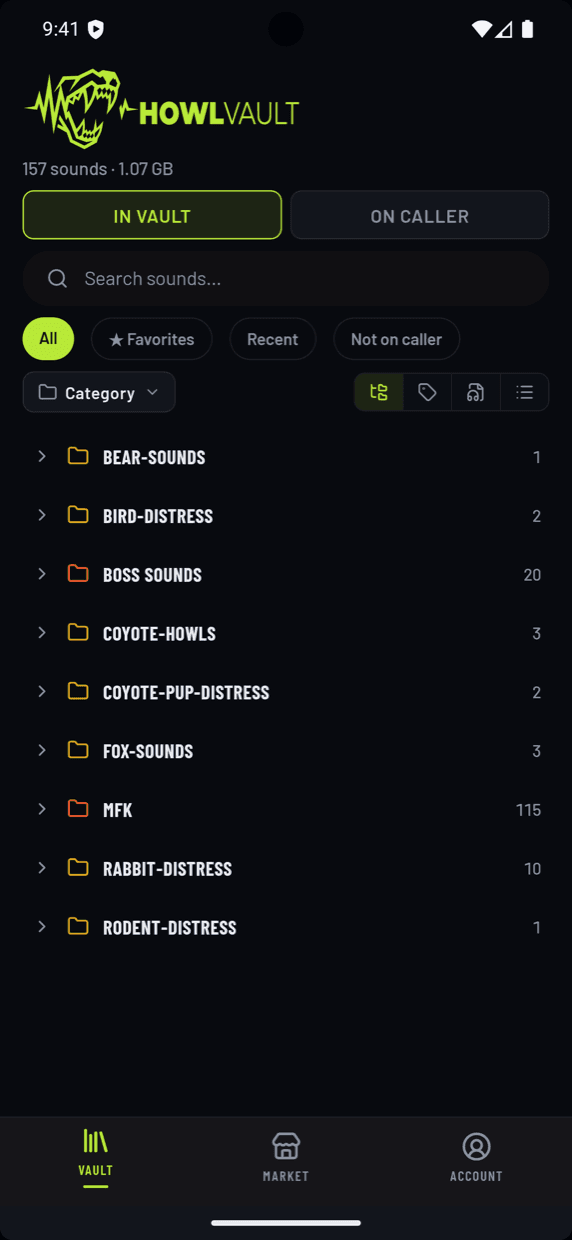
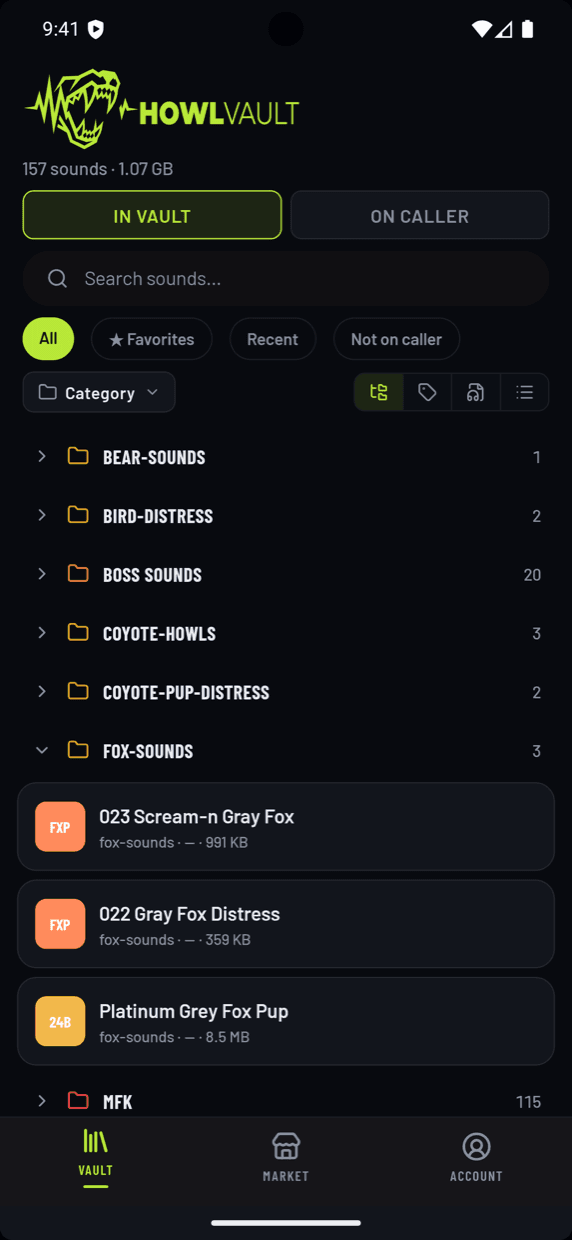
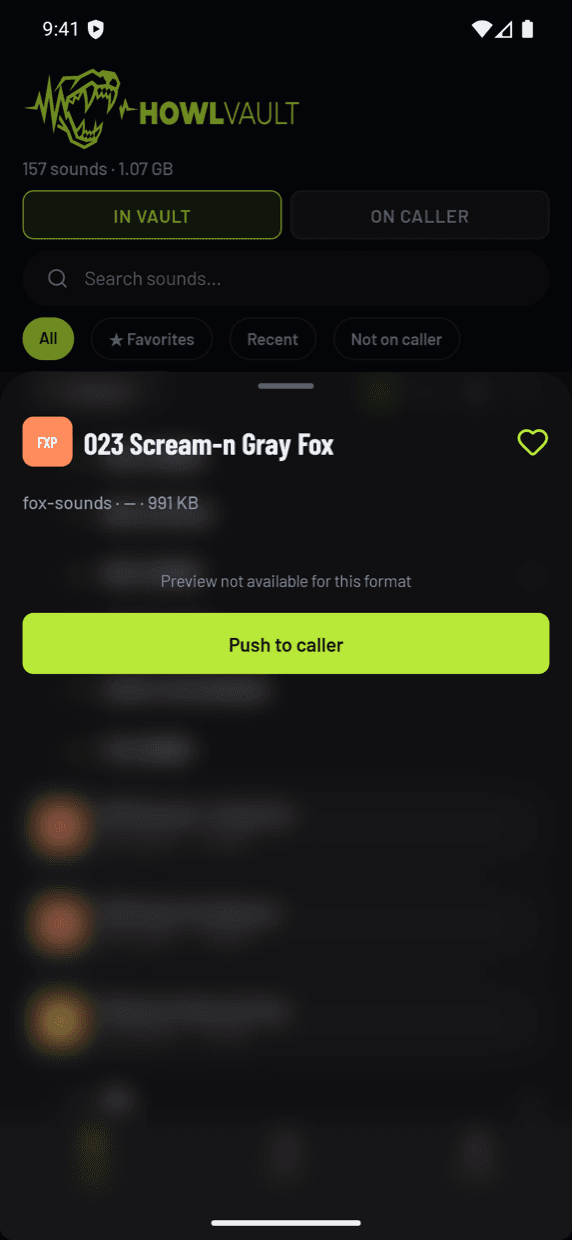
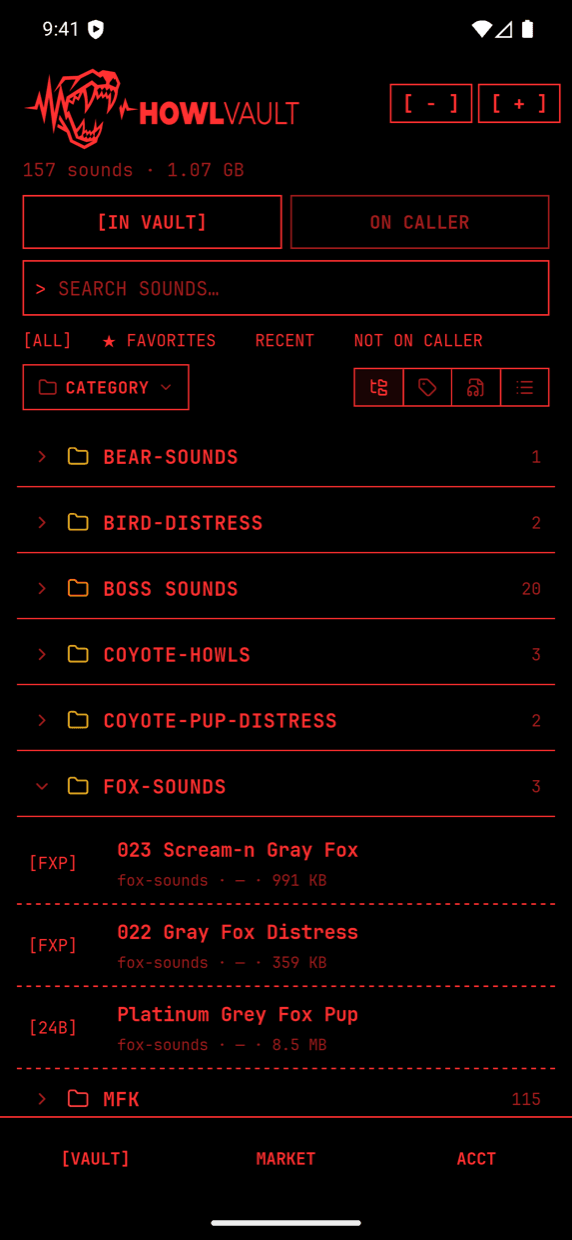
First look
The shape of it.
Screenshots from the beta. The final UI may evolve slightly before launch.
How to get it
$9.99 once.
Buy it once from the App Store or Google Play. Every feature is included, and it works without an account. Want a backup? Log into the cloud; it uses your HowlVault storage plan, 3 GB free.
Waitlist
Be the first to know.
One email when the apps go live on the App Store and Google Play. No drip campaigns, no marketing newsletters, just the launch notice.
Questions
About the mobile app.
When does the phone app launch?
It's coming soon to the App Store and Google Play (US). Join the waitlist and we'll email you the moment it's live.
How much is it?
$9.99, once. No subscription, and every feature is included. Cloud backup is optional; it uses your HowlVault storage plan, and the free plan includes 3 GB.
How does the phone actually connect to my caller?
Plug a USB-C cable from your phone to your caller (FoxPro X360 / X48, Shockwave, HellCat, etc.). For callers without a USB host port (Lucky Duck Revolt / Riot, ICOtec GEN2), pop the SD card into a USB-C card reader and plug the reader into your phone. Android and iPhone 15+ both work. Older Lightning iPhones aren't supported.
Can I add new sounds from my phone?
Yes. Add them from your phone's files, or save them off a connected caller. They're on your phone right away; log into the cloud to back them up and see them in HowlVault Desktop too.
Which calling brands does the mobile app support?
Same as HowlVault Desktop: FoxPro (Shockwave, HellCat, X24, Patriot, and the FoxPilot X360/X48 family), Lucky Duck (Revolt 2.0, Riot 2.0, Super Revolt, Rebel), and ICOtec GEN2. Lucky Duck and ICOtec require an SD-card reader since neither caller has a USB host. FoxPro callers connect directly with a USB-C cable.
Why does it need an SD card reader for some callers?
FoxPro callers are designed to act as a USB drive when you plug them into a computer, so they also act as a USB drive when you plug them into a phone. Lucky Duck and ICOtec don't expose their SD card over USB; you have to remove the SD card and plug it directly into a USB-C reader. It's an extra step on the hardware end, not a software limitation.
Load your first caller in minutes.
Free, with every feature. Pay only if you want more cloud backup.
Free · No account needed · Mac & Windows