Features
Inside HowlVault.
The vault, the sequences, the loadouts, and the phone app. On your computer, works offline, backed up to the cloud.
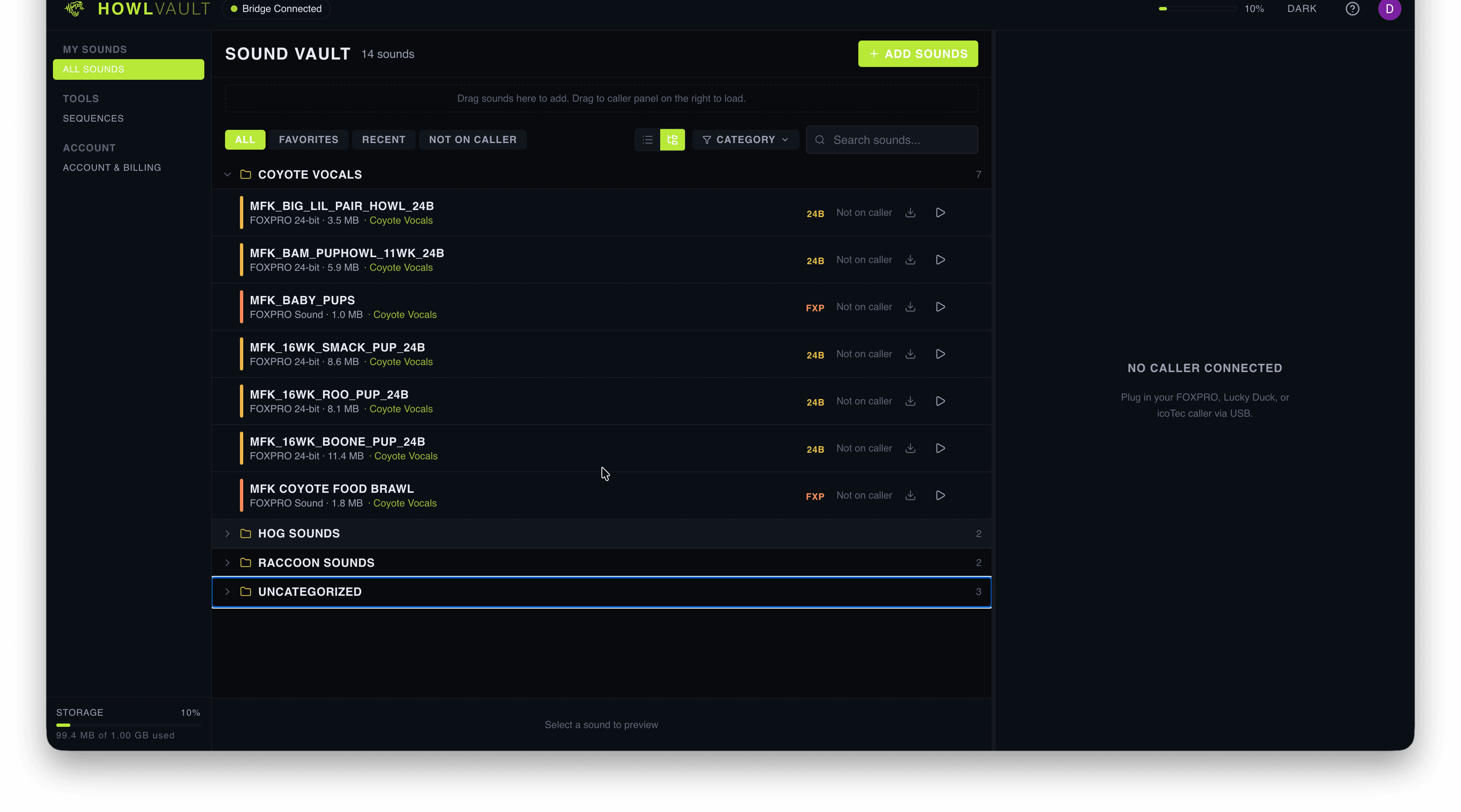
01 · Vault
Organize like you hunt.
Every sound you own, in one place. Tag them by species, group them into categories, favorite the ones you reach for most. Search cuts across names and categories — find the right call before the light does.
- Categories for the species you hunt
- Search across names and categories
- Favorites for the calls you reach for most
- Supports WAV, MP3, FXP, 24B, 16B, 32B, LD, WMA
- 3 GB free on every account
02 · Sequences
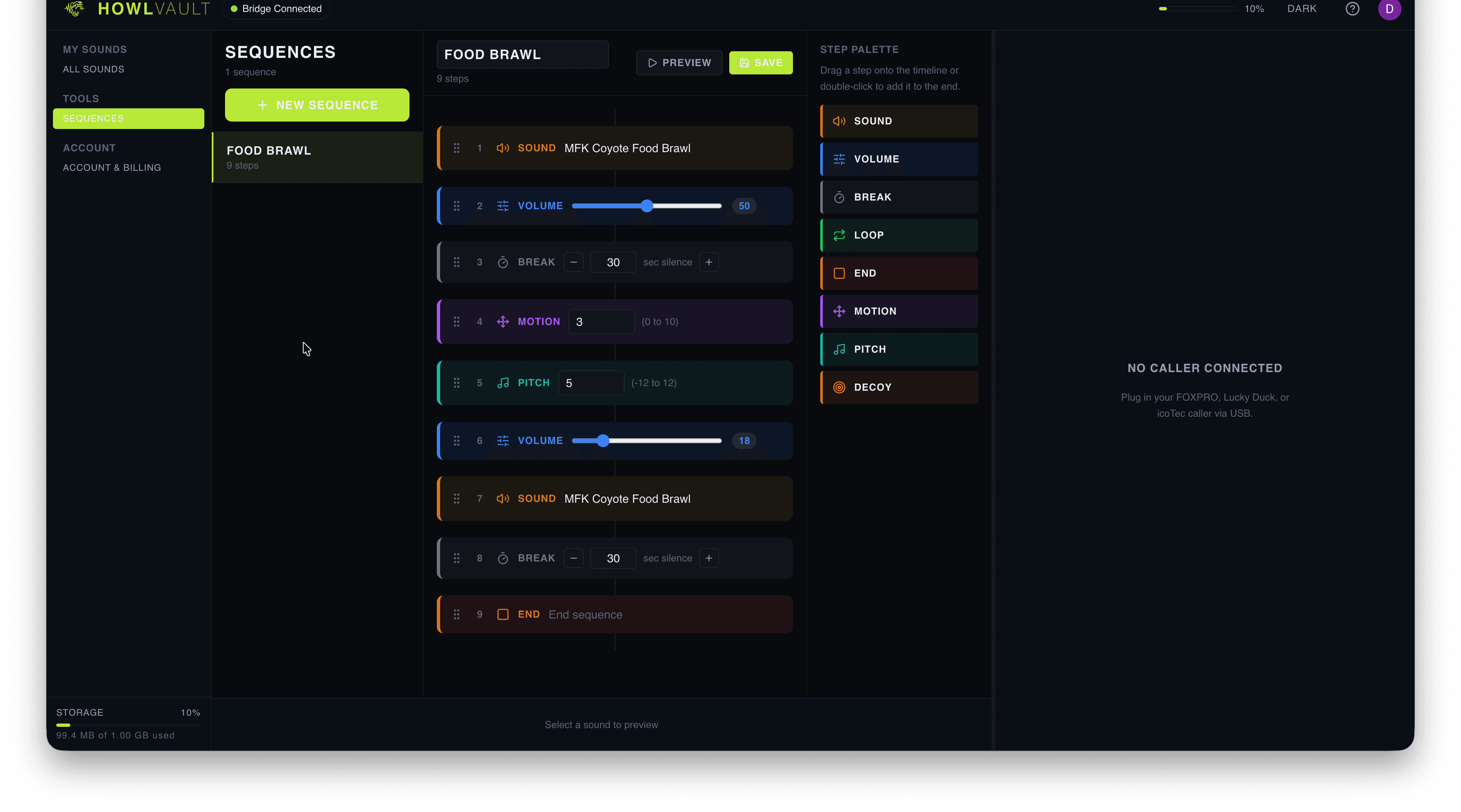
Build sequences that work.
Multi-step call chains. Dial in the duration, pause, and volume for each step — then save the whole sequence as one asset you can push to your caller.
Currently supported on FoxPro callers. More brands on the roadmap.
- Unlimited steps per sequence
- Per-step duration, pause, and volume
- Save, rename, duplicate, delete
- Push to your FoxPro in one click
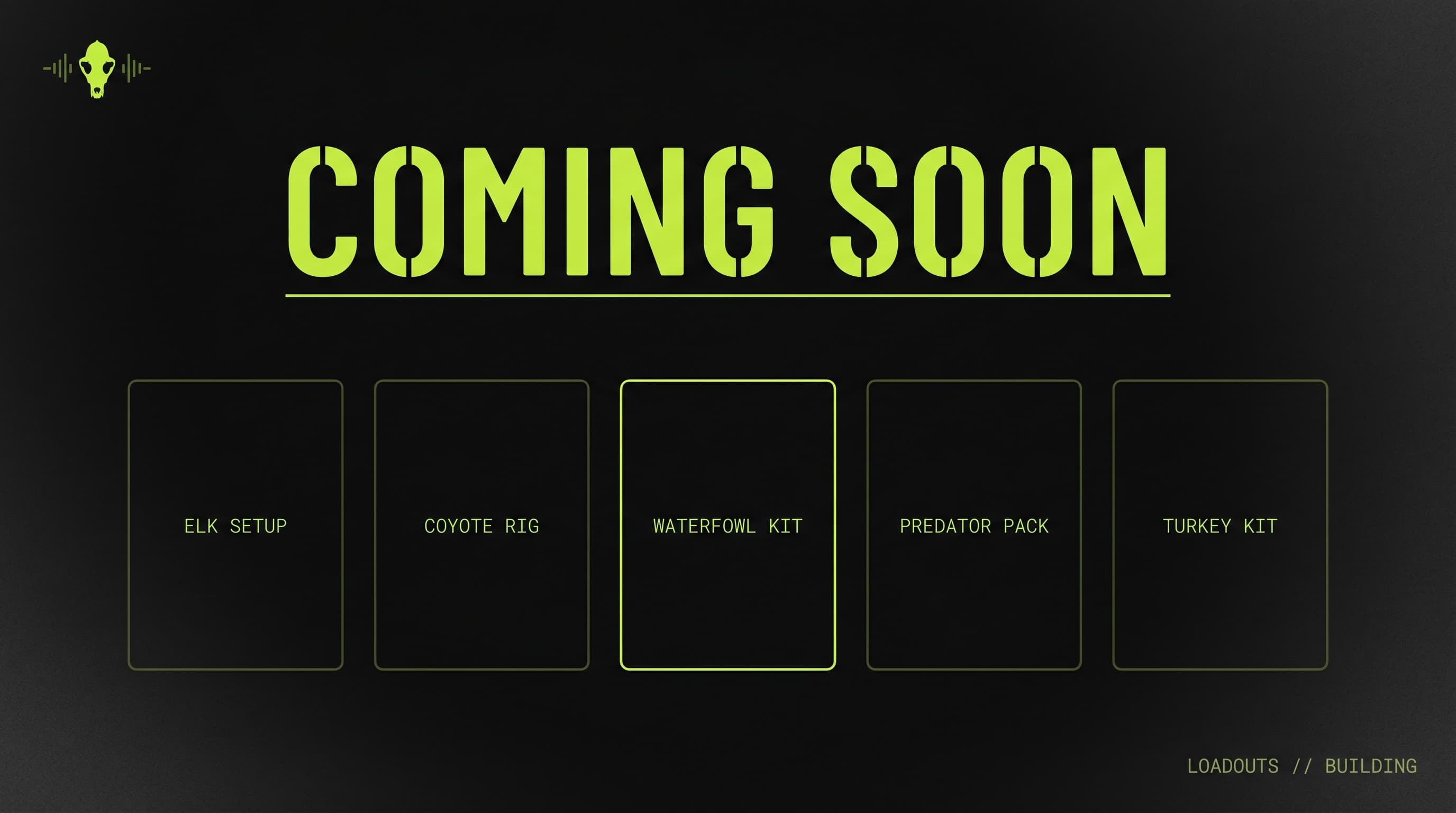
03 · Loadouts — coming soon
Loadouts for every caller.
Save your elk setup, your coyote rig, your waterfowl kit as named loadouts. Swap the whole sound set onto your caller in one click before you head out — no re-picking each sound every season. We’re building this now; it’ll ship in a coming update and roll out to existing users automatically.
- Save any set of sounds as a named loadout
- Per-caller loadouts — each device has its own
- Swap the full set in one click
- Edit any time without breaking existing loadouts
04 · Computer + phone
Your vault on your computer and your phone.
HowlVault Desktop keeps your library on your computer, and the phone app keeps it in your pocket. Load your caller from either one, in the truck or at the stand, with no signal.
Log into the cloud and your computer and phone stay in step, with a backup of everything. Lose your laptop, get a new one, log in — your vault comes back.
- Works offline, no account needed
- Mac and Windows, plus the phone app
- Cloud backup keeps computer and phone in step
- One computer and one phone per account
Load your first caller in minutes.
Free, with every feature. Pay only if you want more cloud backup.
Free · No account needed · Mac & Windows